Qwen Image 2.1 transparent PNG: inspect alpha, not the checkerboard
Request transparency, retain the original PNG and verify its alpha values rather than trusting a viewer background.
Generation, storage and display are separate checks
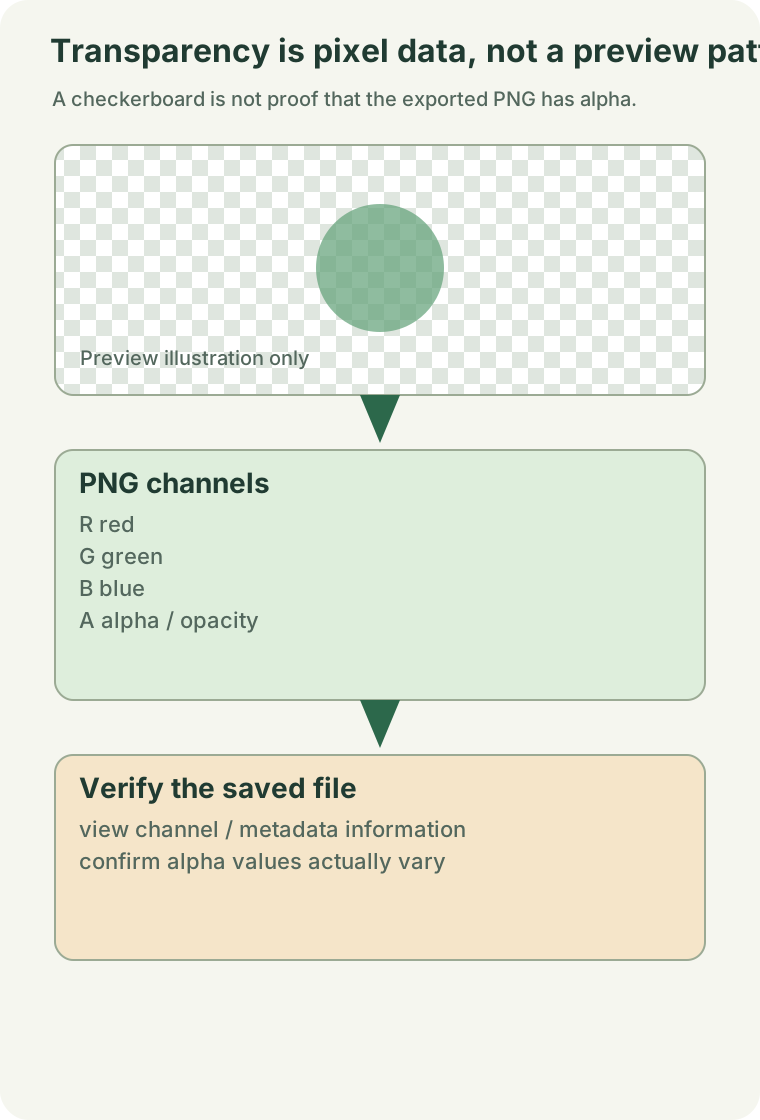
Qwen documents native RGBA generation. Q01 That capability does not prove that a particular output contains transparent pixels. A PNG extension alone is insufficient, and exporting an opaque white background as PNG does not remove it.
Request transparency explicitly
Start with the baseline text-to-image graph. An original test instruction is: Create an RGBA sticker of a ceramic bird. Keep the background transparent and preserve the alpha channel. Leave optional style adapters and post-processing out of the first test so that a later alpha loss is easier to isolate.
Inspect the original saved file
The reviewed official template saves PNG through SaveImageAdvanced. Q05 Inspect that output, not a screenshot or a recompressed chat preview. Treat the container, color mode and alpha values as different properties. Preserve a copy before any downstream conversion.
Use the supplied alpha inspector
Download the read-only alpha inspector and run python inspect_alpha.py your-image.png locally on the original saved file. It reads only the file you select and reports dimensions, the presence of an alpha band or palette transparency, alpha extrema and the count of pixels below full opacity. It requires Pillow and does not install it. The script checks the original mode before converting pixels for measurement; conversion alone must not be mistaken for original transparency.
Interpret the measurements
No alpha information means there is no usable transparency in that file. An alpha channel whose values are all fully opaque is still an opaque result. Some transparent pixels establish numerical transparency but do not validate edge quality. An entirely invisible image is not a successful cutout either.
Composite the original over light, dark and saturated backgrounds to inspect fringes, shadows and fine lettering. Keep the alpha-bearing master and create a separate RGB export when required. These are proposed acceptance checks, not examples generated by this site.
Sources and verification
Sources and code rechecked on 2026-09-25; the original source review was 2026-09-22. Five synthetic file cases exercised the alpha inspector, but no Qwen output was tested. No GPU run, weight download or quality benchmark. Procedures are editorial guidance, not a confirmed diagnosis of your environment.
Related reading
Was this page helpful?
Anonymous. Only a yes/no counter is stored; no account, IP address or device details.
Sources & references
Official README and pinned template rechecked on 2026-09-25; alpha inspector tested on five synthetic images. No Qwen output, GPU run, weight download or quality benchmark.
01Qwen-Image-2.1 official READMESource checked: 2026-09-2502Official Qwen 2.1 text-to-image templateSource checked: 2026-09-25